

Every ticket,
on the clock.
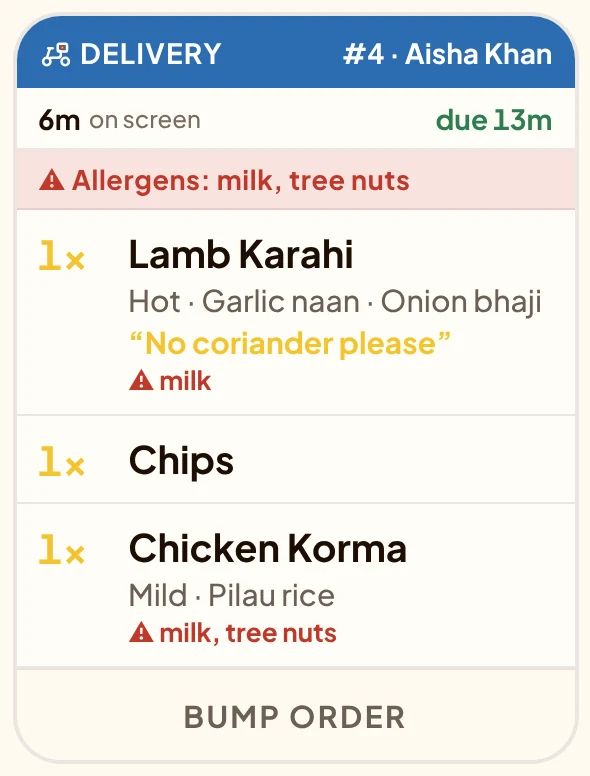
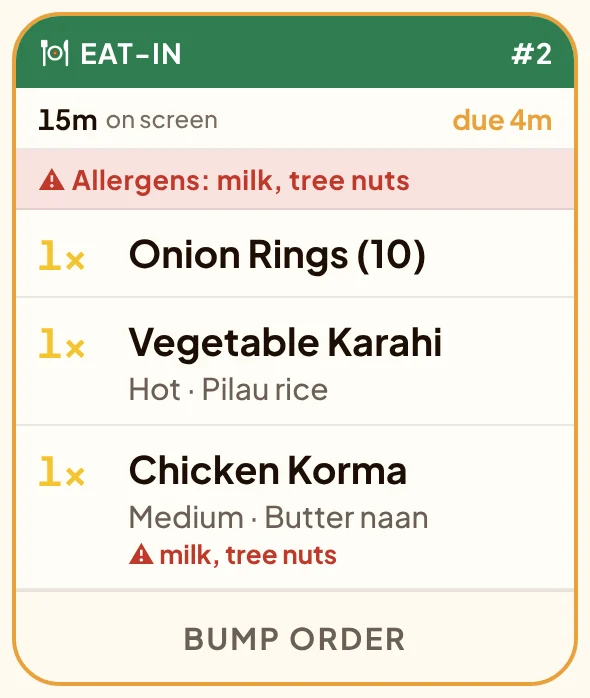
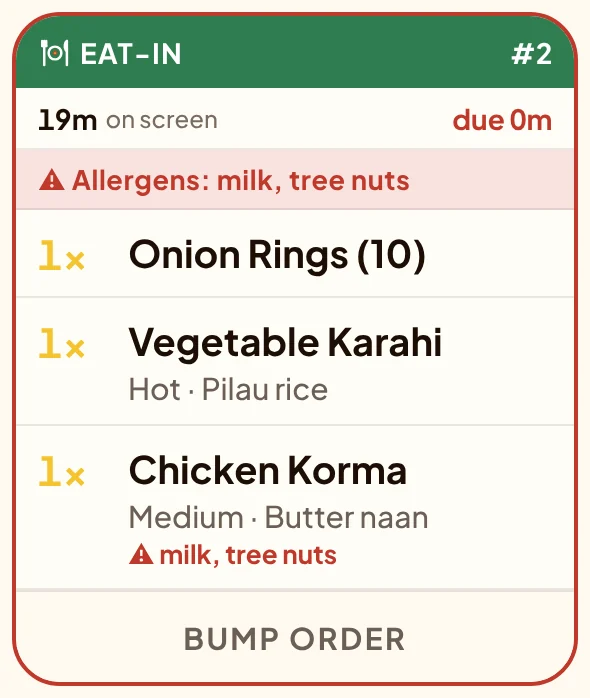
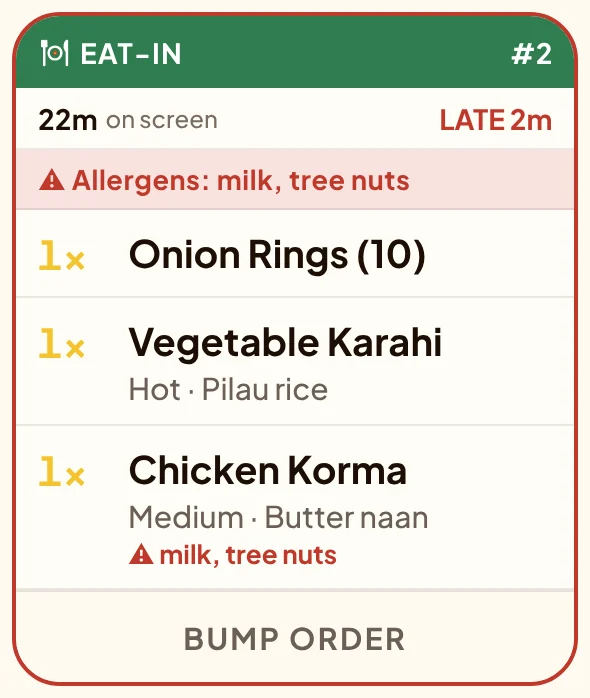
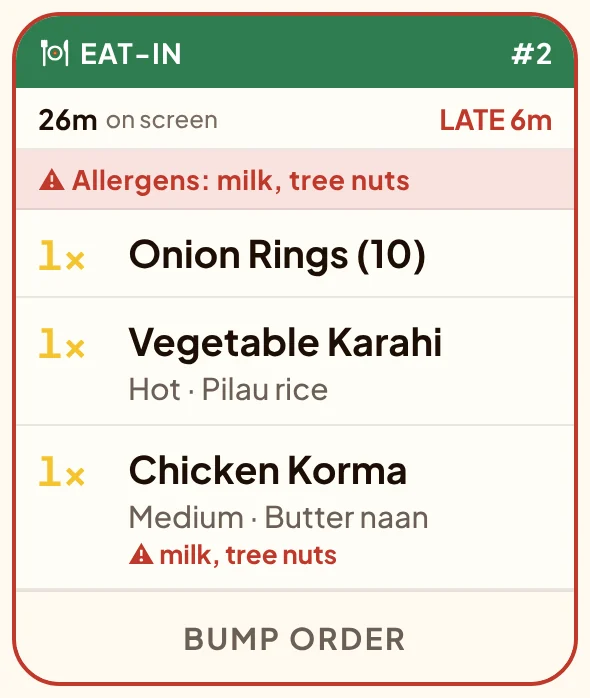
Every order lands on one screen the moment it is accepted: coloured by how it is leaving, timed against what the customer was promised, allergens in red.
This is the real kitchen screen, recorded during a busy quarter of an hour.
Read from across
the kitchen.
A ticket is built to be read at a glance, with wet hands, from two metres away. Here is what is on one, and why.
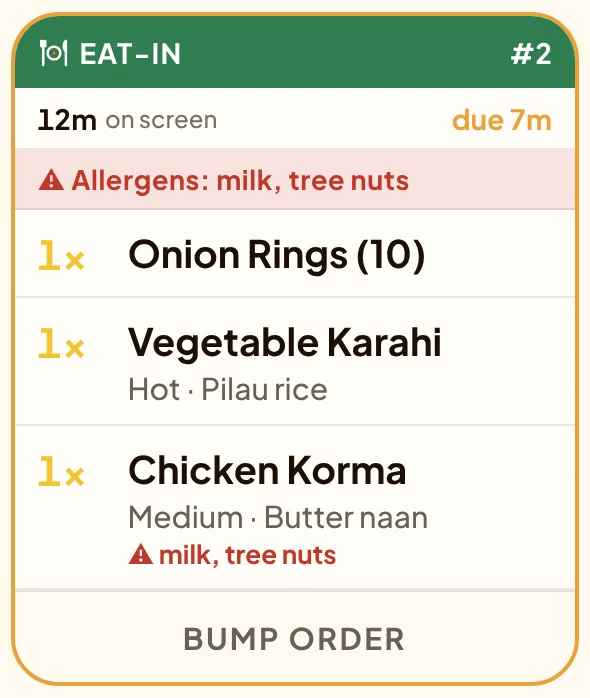
Green. Amber. Red.
Nobody has to ask.
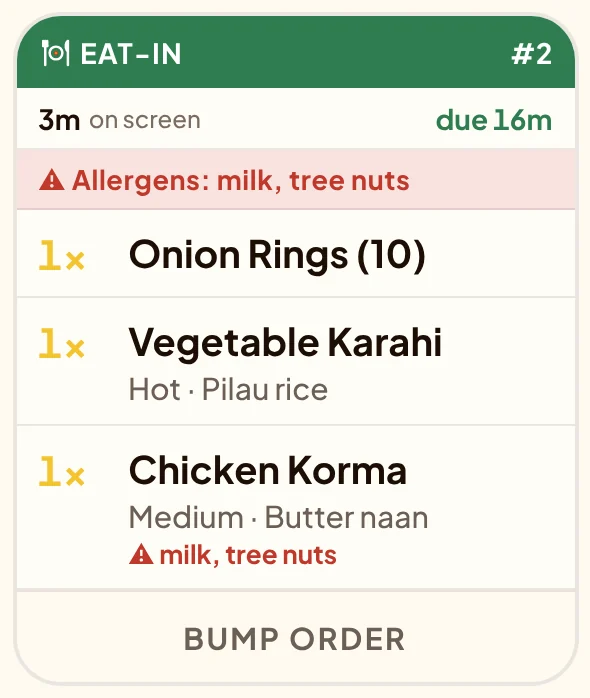
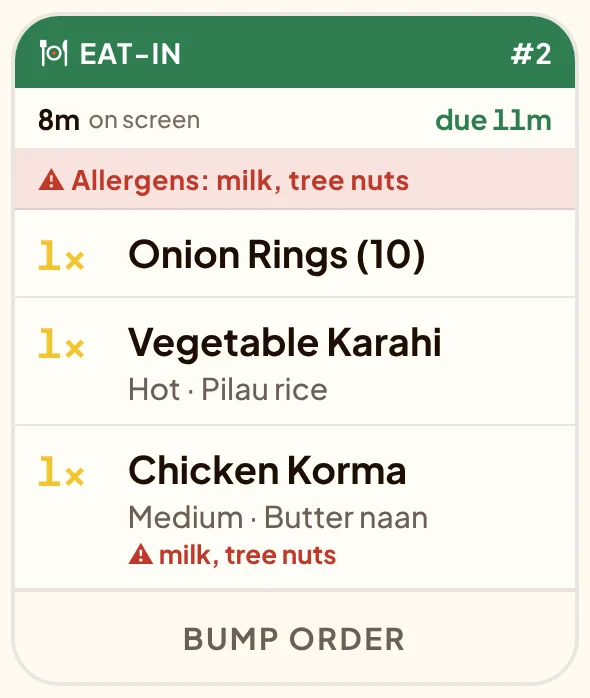
The till promises the customer a time. The kitchen screen holds every ticket to it, so the order that needs you next is the one that stands out.
3minutes
on screen
On time
due in 16 min
For the nights that
don't go to plan.
Orders get cancelled. Someone taps the wrong ticket. The wifi drops at eight. Slide along the rail.
Cancelled at the counter. The kitchen is told.
A cancelled order does not quietly vanish. Its ticket jumps to the front and says DO NOT MAKE until someone in the kitchen taps it away.
How many kormas, all told?
All day adds up every open ticket: three kormas, two chips, two lamb karahi. Cook the batch, not the ticket.
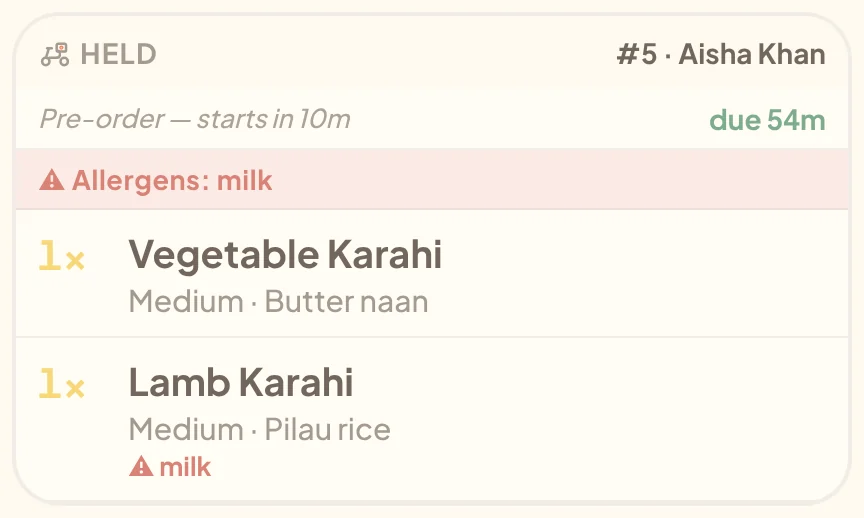
Ordered for later, held until it matters.
A pre-order waits at the end of the rail, greyed out, with the minutes until it starts. When it is time to cook, it joins the queue with a chime.
Tapped it too soon? Bring it back.
Finished tickets sit in the bar along the bottom for twenty minutes. Tap one and it is back on the rail.
The wifi drops. The kitchen carries on.
The tickets stay on the screen. A ticket marked done while offline is queued and sent the moment the connection returns.
Done in the kitchen.
Known everywhere.
These two screens were recorded at the same moment. Watch the ticket on the left, then the phone on the right.
In the kitchen one tap on the ticket
On the customer's phone the same second
- The tillThe order moves to Ready in the queue at the counter.
- The customerTheir tracker changes on their phone, without a call to the shop.
- DispatchA delivery order is waiting for its driver on the dispatch screen.
- The order boardThe number moves from Preparing to Ready on the TV out front.
Everything on the screen.
All 21 things.
On every ticket
- Colour by service: eat-in, waiting, collection, delivery
- Order number that matches the printed ticket
- Customer name whenever the order has one
- Table number on eat-in orders
- Sizes, options and extras in full
- Customer notes quoted on the dish
- Allergen strip, and allergens under each dish
Keeping time
- Minutes on screen and minutes to the promised time
- Amber as the promised time gets close, red when it passes
- Open and Late counts at the top of the screen
- Late tickets outlined so they stand out across the room
- Pre-orders held, then released with a chime
- Cancelled orders flagged DO NOT MAKE
Running the kitchen
- One tap to mark an order done
- Twenty-minute recall for anything tapped by mistake
- All-day totals across every open ticket
- Big orders paged so nothing is cut off
- Keeps working offline; done taps queue and send
- A kitchen sign-in that opens straight to this screen
- Any Android tablet, or any screen with a browser
- Stations: grill, pizza or bar each see only their own dishes
The kitchen screen is part of Manto Till. See the till
Questions kitchens ask
No. The kitchen screen runs on any Android tablet and in any browser, so a wall-mounted tablet or a screen with a small computer behind it both work. A kitchen sign-in opens straight to the tickets and nothing else.
Yes. Printing and the kitchen screen are independent. Plenty of kitchens run both: the screen for the queue and the clock, paper for the bag.
The tickets already on the screen stay there. Anything you mark done is queued on the screen and sent the moment the connection is back. Counter orders rung up on the till while offline reach the kitchen when it returns.
Finished tickets sit in the recall bar at the bottom of the screen for twenty minutes. Tap the order number and the ticket is back on the rail.
The ticket jumps to the front of the rail and reads CANCELLED, DO NOT MAKE. It stays there until someone in the kitchen taps it to clear it, so it cannot be missed mid-service.
They see the result. When the kitchen marks an order done, the tracker on the customer's phone moves on by itself, so fewer people ring to ask where their food is.